Install the app
The file comes from here; Google Play and the App Store are not needed. Each system asks once — what exactly it says is written below.
 Shtil VPN
The app opens an encrypted tunnel to our server, while banks, government services and marketplaces keep loading directly — they stay fast and still see you from Russia.
Download for Android Another device — the full list of files
Android 6.0+ Android TV — remote friendly Windows 10 and 11 macOS 12+ Five languages
An ordinary VPN pushes every packet through the tunnel — and the bank starts treating you as a foreign visitor. Here the route forks on the device itself.
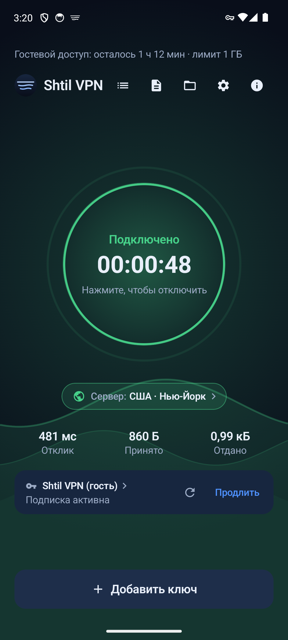 Phone: connected, server and traffic in view
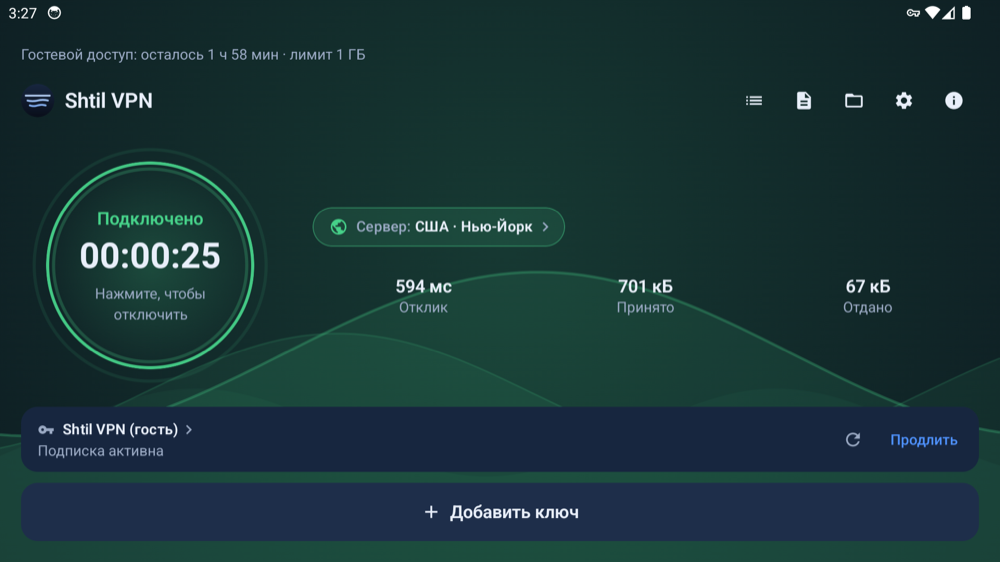 TV: the same app, built for a remote
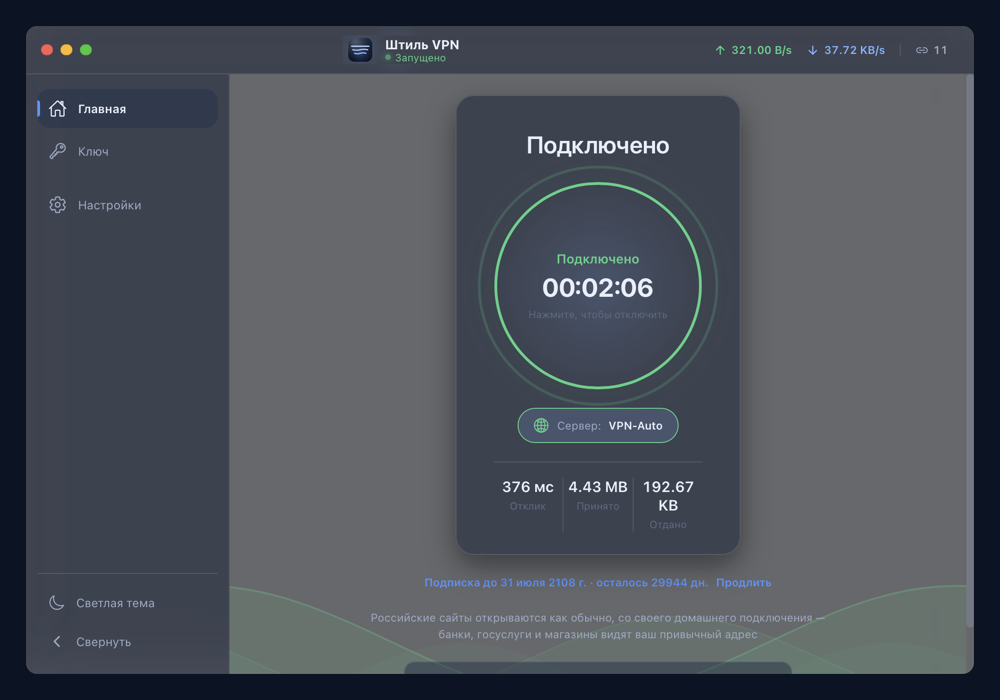 Desktop: Windows and macOS
From download to a working connection is a few minutes, and no sign-up is involved.
The file comes from here; Google Play and the App Store are not needed. Each system asks once — what exactly it says is written below.
The app has a “Try now” button — two hours with no Telegram and no email. A permanent key comes from the bot as a link or a short code, and a TV reads that code from your phone screen.
One key works on the phone, the TV and the computer at once. When the key changes on the server, every device picks up the new one by itself.
The bot issues and renews the subscription, and it also takes the payment — we collect nothing on this page.
Free, once per account. Plus two hours as a guest — no Telegram, straight from the app.
With a Russian bank card, through YooMoney.
Telegram Stars — for people without a Russian card. That is roughly 6 US dollars; we have no dollar checkout, the stars are bought inside Telegram.
The apps are distributed outside the stores, so each system asks once. That is how it greets any program that did not come from its own store.
| Android | “Installing from this source is not allowed” — let the browser install apps. Google may then show a red screen; the button you need there says “Install anyway”. |
|---|---|
| Android TV | The same red Google screen; the confirm button sits at the bottom and is reached with the remote. Type the short address into a downloader app and the file starts right away. |
| Windows | A blue “Windows protected your PC” box → “More info” → “Run anyway”. We did not buy a publisher certificate: since 2024 instant trust is not for sale, reputation is earned through install count. |
| macOS | The first launch is refused: System Settings → Privacy & Security → “Open Anyway” and the administrator password. After that the app opens with a double click. |
VLESS + Reality over TCP. The core is open source and ships inside the app — no internet is needed for the first launch.
The configuration arrives ready and refreshes itself. When the key changes on the server, nothing has to be mailed out to people.
The app finds a new version itself and offers to install it. On desktop only builds carrying our signature are installed.
No accounts inside the app, no ads, no in-app purchases. The subscription and the payment live in the bot.
No. The file is downloaded from here, and the app finds new versions on its own.
Use a downloader app such as Downloader: type sub.ndvsdom54.ru/tv.apk with the remote and the file starts immediately. The address is deliberately short and has no “https://”.
Because their traffic goes through the tunnel and the site sees a foreign address. Here those sites stay on the direct route, and the rule list travels inside the app.
Yes, if it is a subscription link or a key in VLESS format. The app is the entrance to a tunnel; the server itself is not included.
Two at the same time. One subscription link covers the phone, the TV and the computer.
Not of our own. The subscription link works in third-party clients — v2RayTun on iPhone, or any client built on the sing-box core.
There are no accounts inside the app, no ads and no in-app purchases. For the subscription the bot knows only your Telegram account and the paid-until date.
The file comes from here, and the trial starts inside the app itself — Telegram is not needed for that.
Download for Android Another device — the full list of files